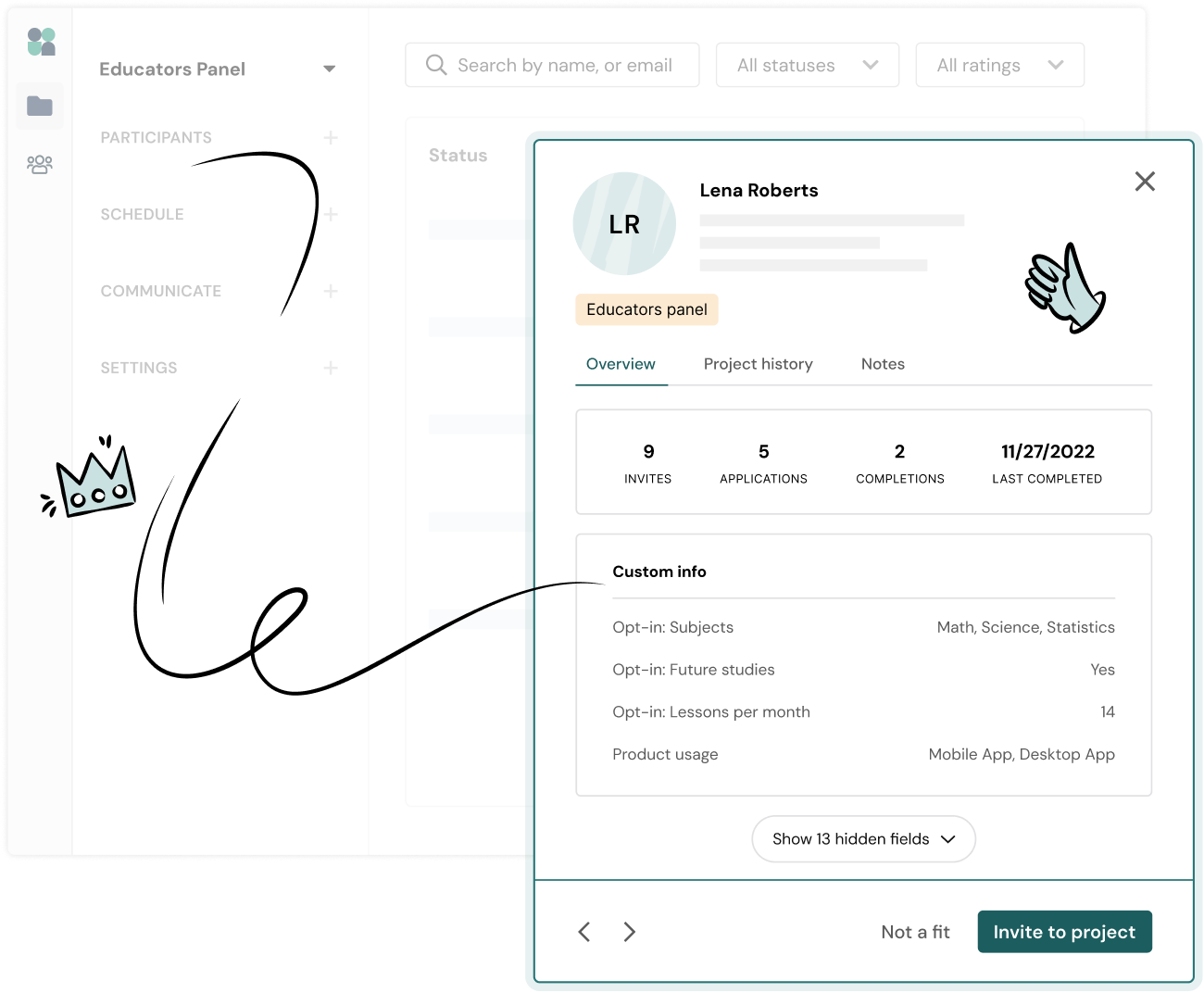
Create a high quality database of participants who are already interested in your research and have volunteered their insights.

Opt-in forms can be easily shared to your customer base wherever they are—on social media, your website, in emails, within your app, via intercept, or anywhere else you communicate with users.

Keep participant profiles fresh over time with regular opt-in form updates. Opt-in form responses will update any existing participant data in Research Hub.

Opt-in form questions are mapped to custom fields in your Hub database so you can easily access and filter by this data while recruiting.

Answer a few short questions to join our feedback panel—we'd love to hear from you!
Join UI's Feedback Panel

Build powerful, flexible opt-in forms to find best-fit participants who are actively interested in your research.

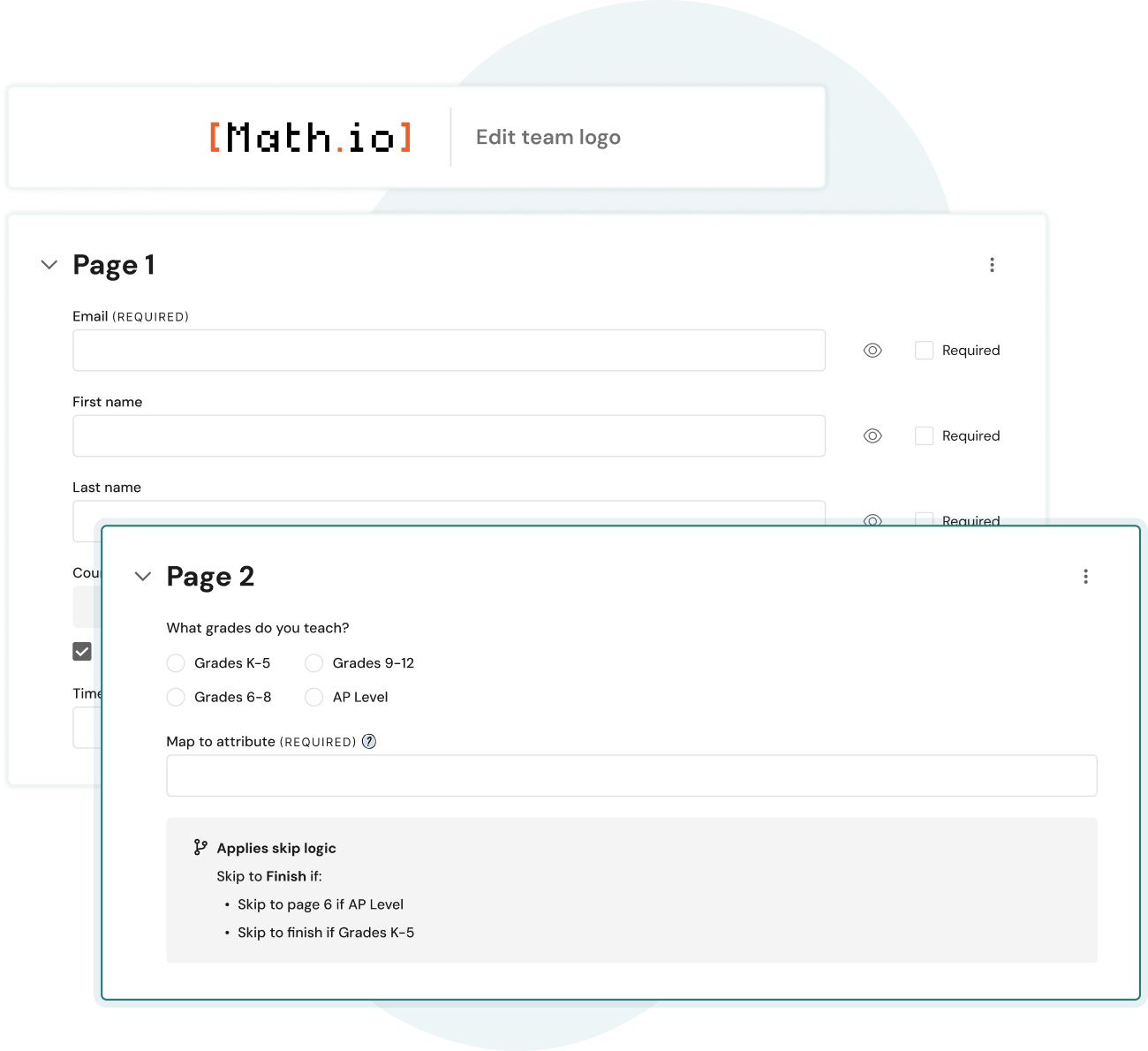
Build forms quickly with drag & drop, bulk paste, toggle questions on/off, and a variety of custom question types.

Make the survey experience more personal for participants by customizing questions based on previous responses.

Apply your company logo across opt-in forms for credibility and consistency across all participant communications.
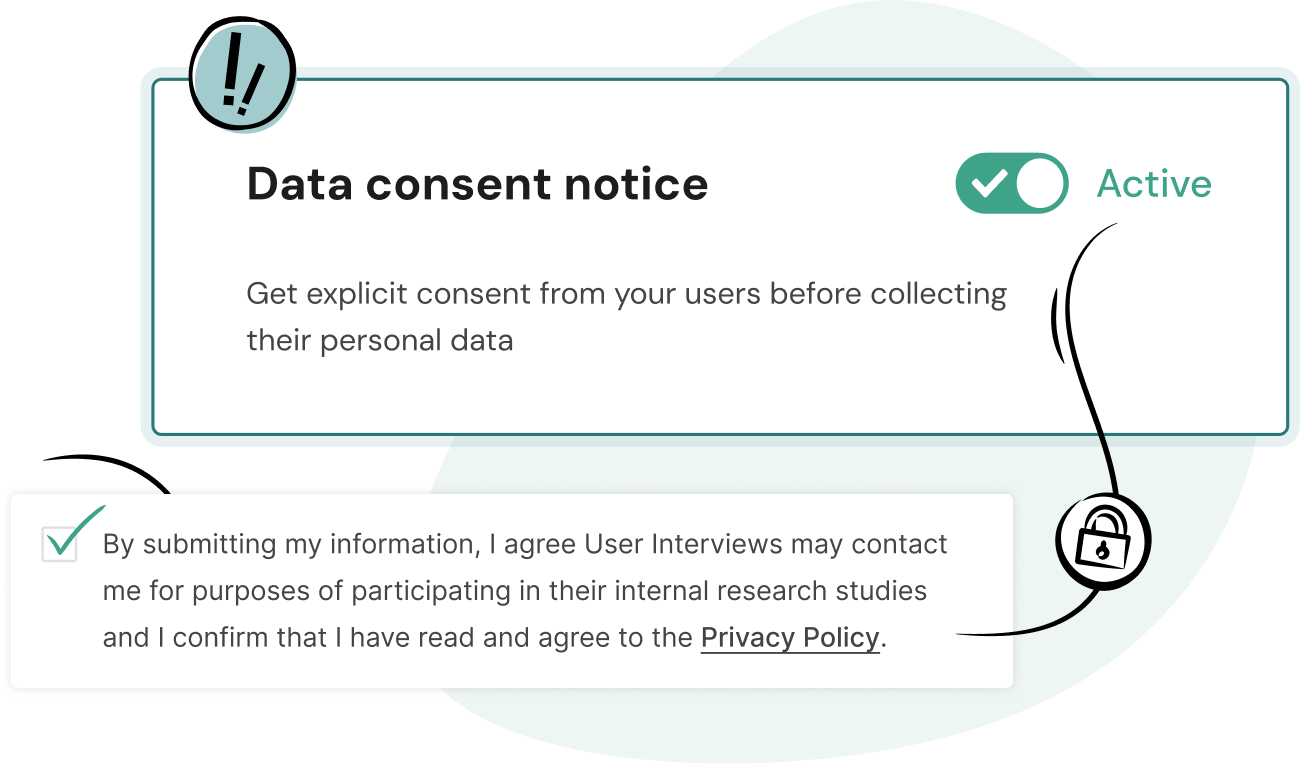

Collect consent from participants when they choose to join your panel and hear about upcoming research studies.

Reduce fraud and protect against spam with reCAPTCHA to help ensure that verified users are joining your panel.

An opt-in form is a way to invite your users to a research participant panel or community. They typically appeal to customers as an easy and beneficial way to provide feedback, and allow you to build your panel with highly engaged users.
All participant opt-in form data is saved to your Hub panel for easy access when recruiting. Opt-in form responses will also update any existing participant data in Hub, ensuring your panel stays fresh over time. Learn more about how to build your panel using opt-in forms in Hub.
Generally, opt-in forms will include questions around basic contact details as well as any custom questions for gathering additional data. We recommend including a short description for participants with information about your research program such as frequency of contact, time commitment, and a little insight into your research.
Good opt-in forms are clear in their request and tailored for their audience. They also use branding (company colors, logo) to build trust and credibility with your audience. Length-wise, we recommend keeping them brief. Ideally they shouldn’t take more than 3-5 minutes for participants to complete.
When it comes to distribution, there are many options! Opt-in forms can be shared on your website, in emails, within your app, via intercept, or anywhere else you communicate with users. You can also use them in re-engagement campaigns to collect the most up-to-date information from your users.
Many participant panels make use of multiple opt-in forms! A single opt-in form is a good place to start, but as your panel matures, you may want to create forms based on a project, team, behavioral-level data, or for different audience segments and distribution channels.
Custom branding is available to teams on our Research Hub CRM plan. Upload your company logo and it will be automatically applied across every piece of participant-facing communication including opt-in forms, screener surveys, and email notifications.
Opt-in forms are available to teams on our Research Hub CRM plan.


Schedule your demo and see us in action today.