User Interviews research recruiting add-ons

Build a flexible team plan with our premium add-ons for screening, document signing, SSO, and support.
HomeFeatures
POPULAR ADD-ONS

Premium screening

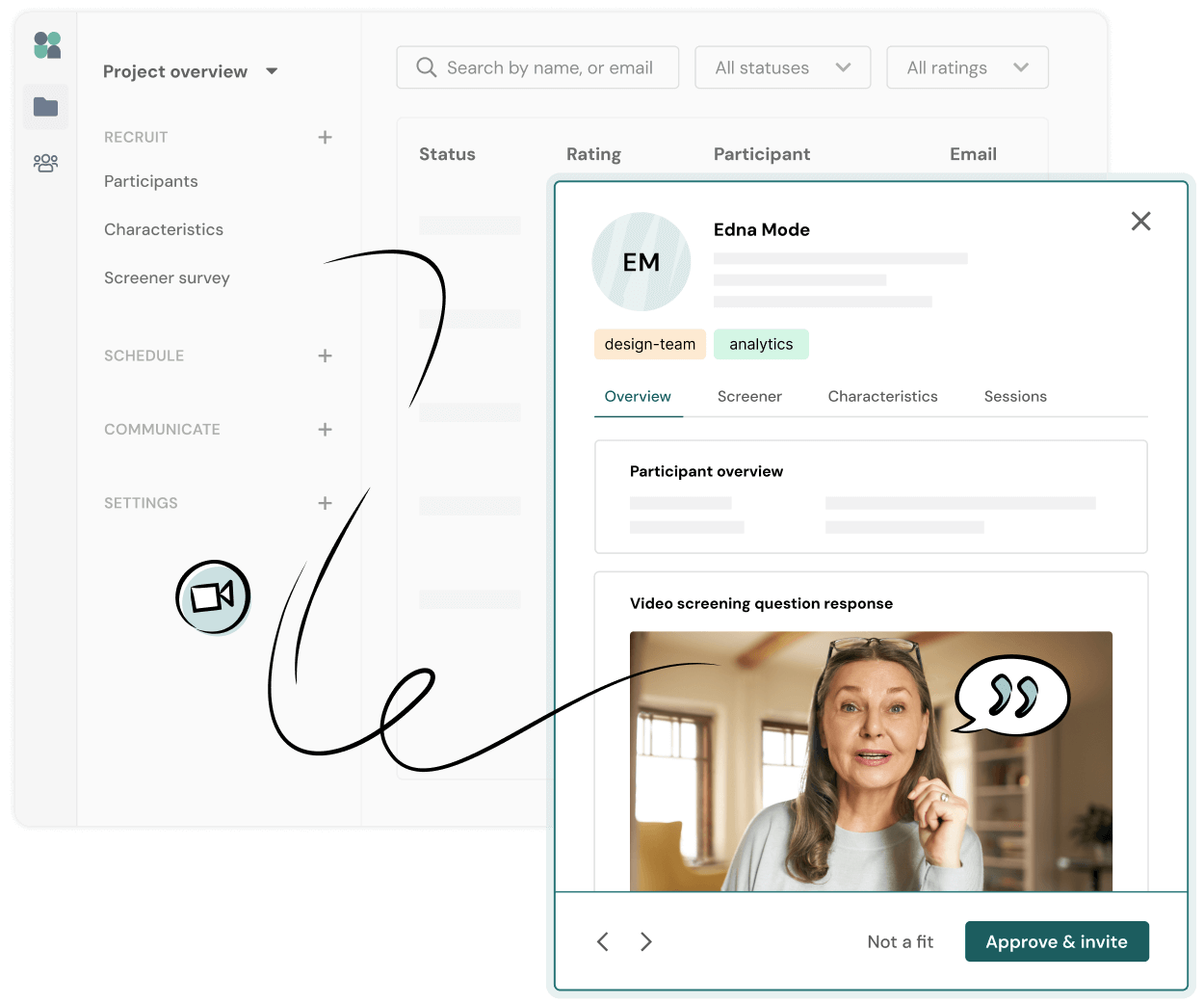
Hand select the best-fit participants with advanced screening. Contact candidates who pass your screener by email or phone, or request a short video from them, to ensure they’re a great fit for your study.
How it works:
check icon
“Double screen” candidates via email, phone, or video recording
check icon
Identify the most qualified participants, verify their info, and ask additional screening questions
check icon
Hand select the best-fit candidates and approve them for your study
Project overview with a participant profile window open, displaying a video response from an older woman with headphones and a speech bubble icon. Options include Not a fit and Approve & invite.
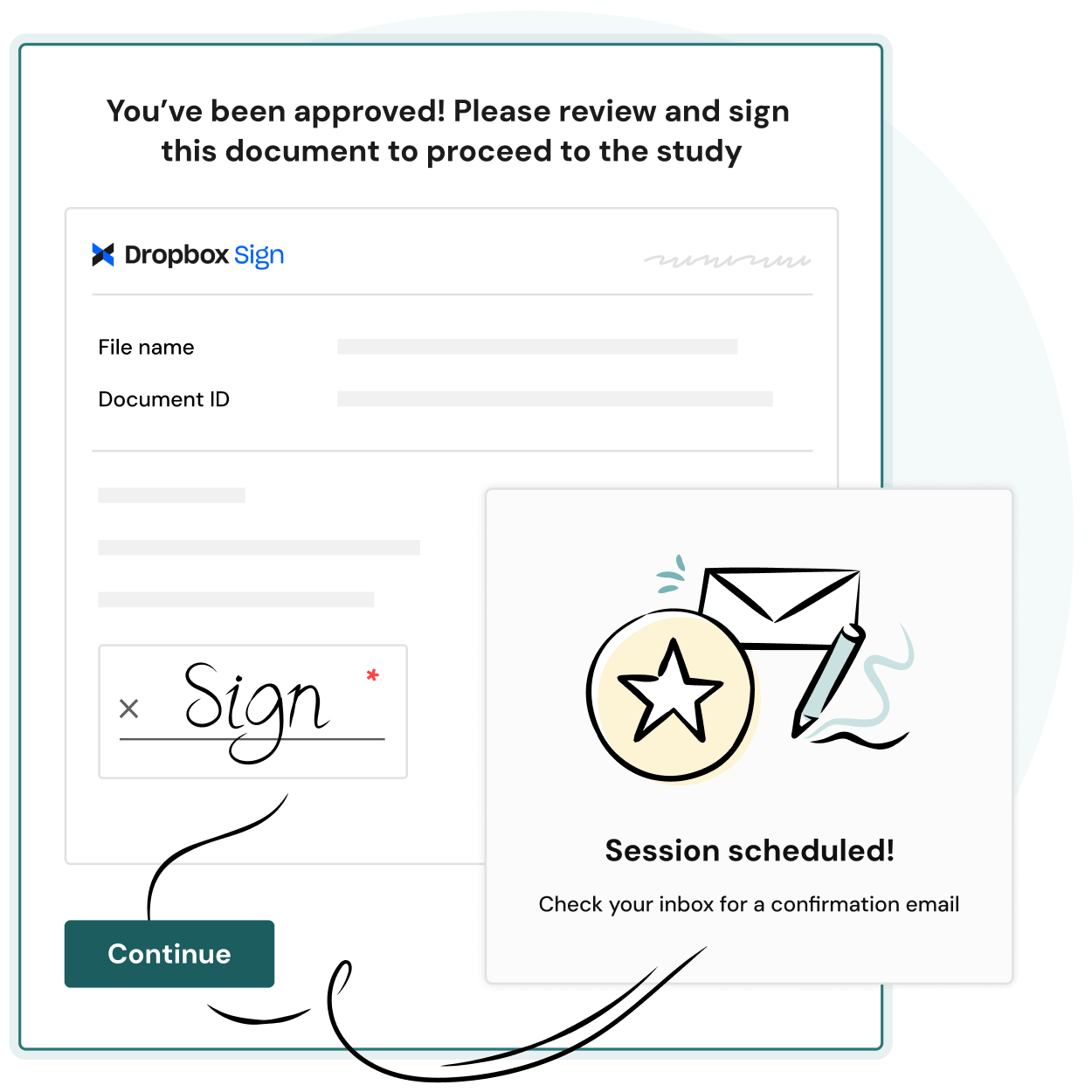
A digital form with “You’ve been approved! Please review and sign this document to proceed to the study.” A sign box, a Continue button, and a popup reading Session scheduled! Check your inbox for a confirmation email.

Document signing

Automate getting your NDA, release form, or other document signed by participants before their session. It’s the easiest way to ensure compliance without needing to email documents and chase down signatures.
How it works:
check icon
Upload the document you need signed along with any specific instructions
check icon
Participants will be prompted to review and sign your document during the application process
check icon
Signed documents will be emailed to the researcher and can be downloaded from the project

Single Sign-On (SSO) via SAML

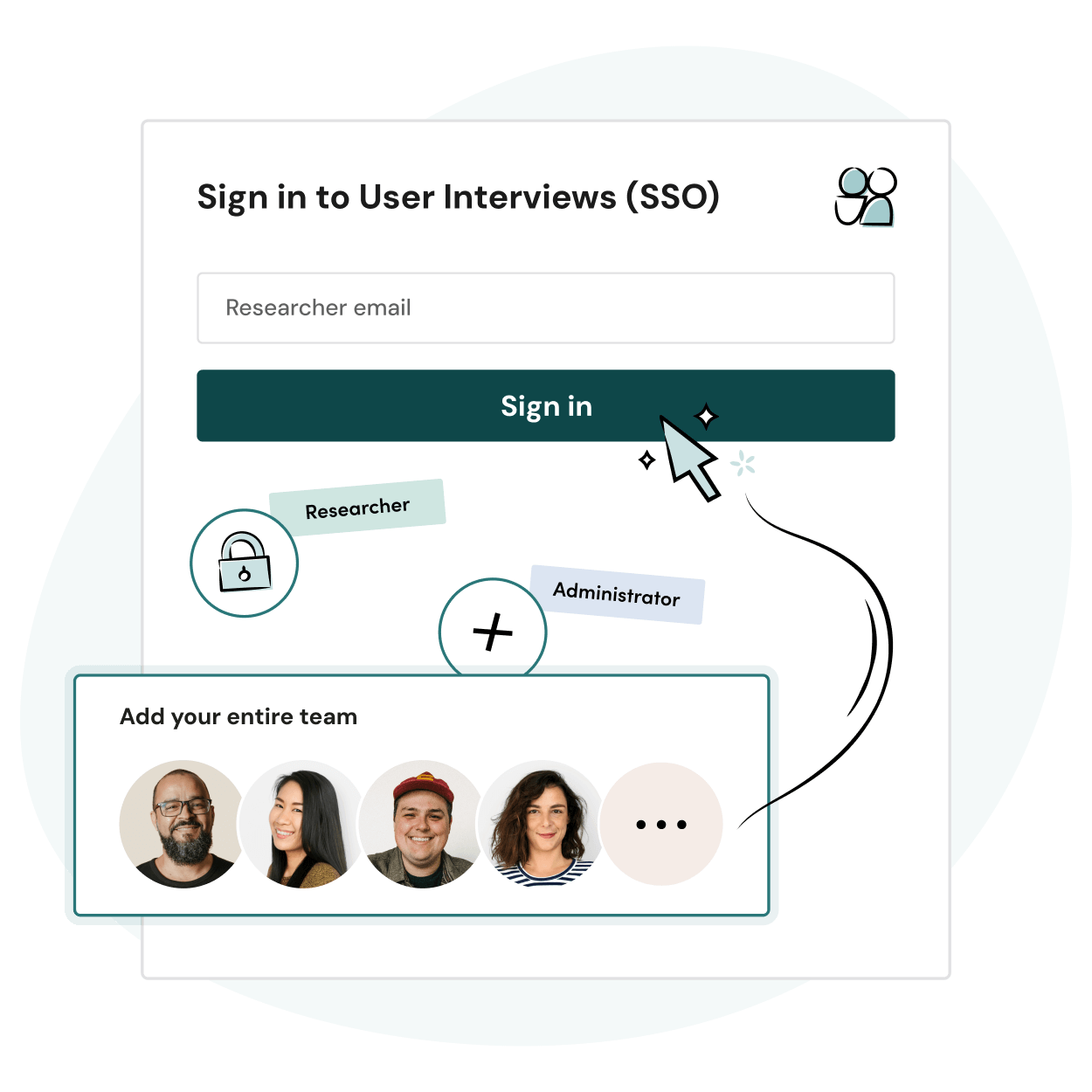
Enable your team to log in to User Interviews using your own authentication infrastructure with Single Sign-On (SSO) via SAML protocol. Recommended for enterprise teams who need to ensure secure access to applications.
How it works:
check icon
Set up secure sign in for your entire team by configuring SSO/SAML settings
check icon
Our support team can provide your IT department with setup instructions
check icon
Once enabled, you and all other users on your team will only be able to log in via SSO
A sign-in screen for User Interviews (SSO) with an email field, sign-in button, and icons for researcher, administrator, and team members. A section prompts users to add their entire team with profile photos.
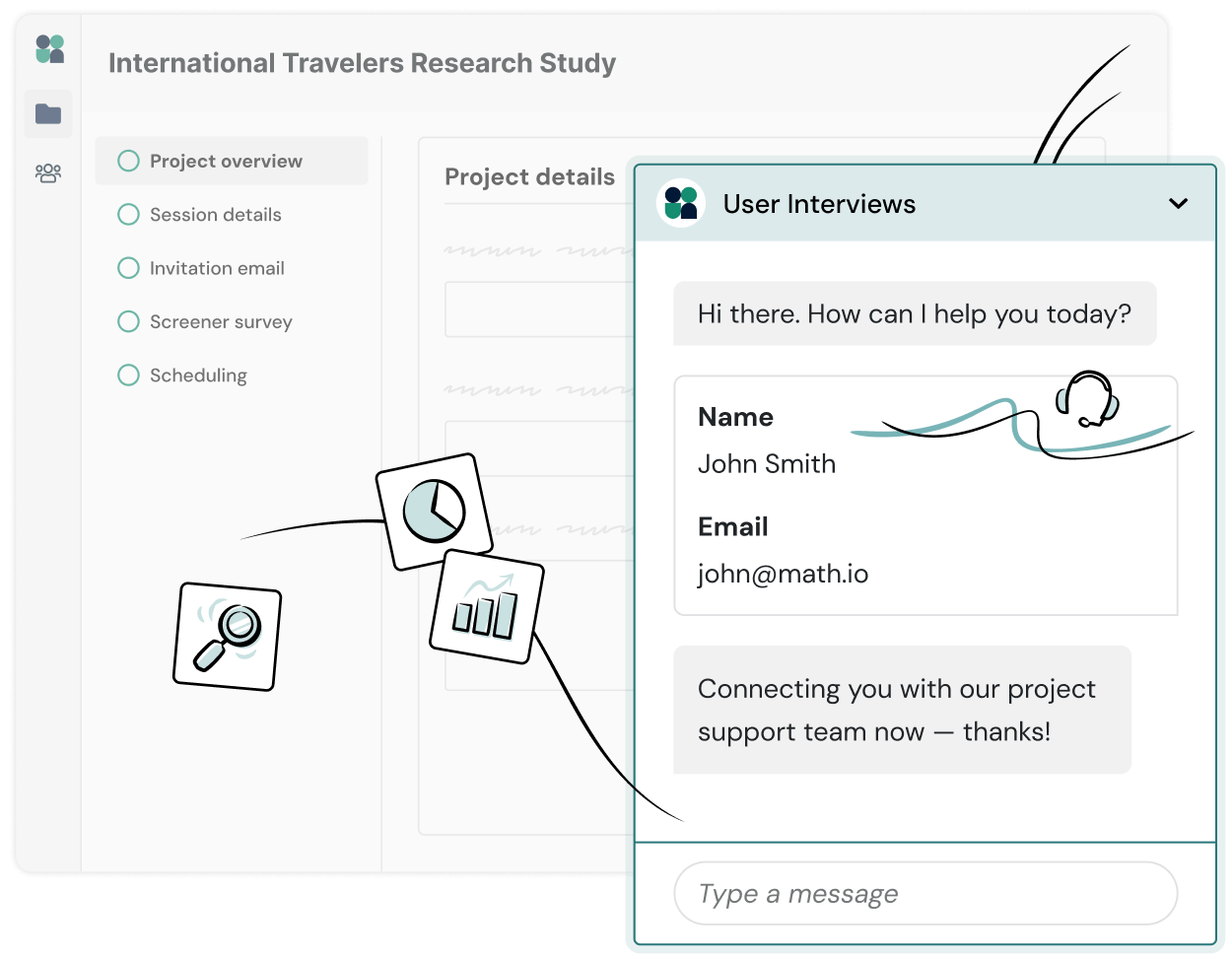
A project dashboard shows sections for an International Travelers Research Study. A chat window displays a user asking for help, with their name and email provided, and a message confirming connection to the project support team.

Premium support

With a premium support package, you can get technical support, priority response, premium fulfillment, dedicated CSM, unlimited team onboarding sessions, custom reporting, and access to our product team for feedback and feature requests.
How it works:
check icon
We work with you to determine the right level of strategic and project-based support for your team
check icon
Your UI support team of Recruiting Coordinators, Technical Specialists, and Customer Success Managers work together to provide 360 support and maximize the value of your subscription

Learn more about our flexible plans and premium add-ons