
Who is this article for?
🗣️ All researchers (both admins and users)
⭐ Teams on any User Interviews plan
For unmoderated studies, you can set a response time limit—participants have 24 hours (or whatever time you chose) to complete the task. Once that time limit expires, they will automatically be marked incomplete and be replaced with a new participant.
💡 Note: This is only available for projects that use an integration or tracked custom link.
How to set a time limit for participant responses
Researcher experience
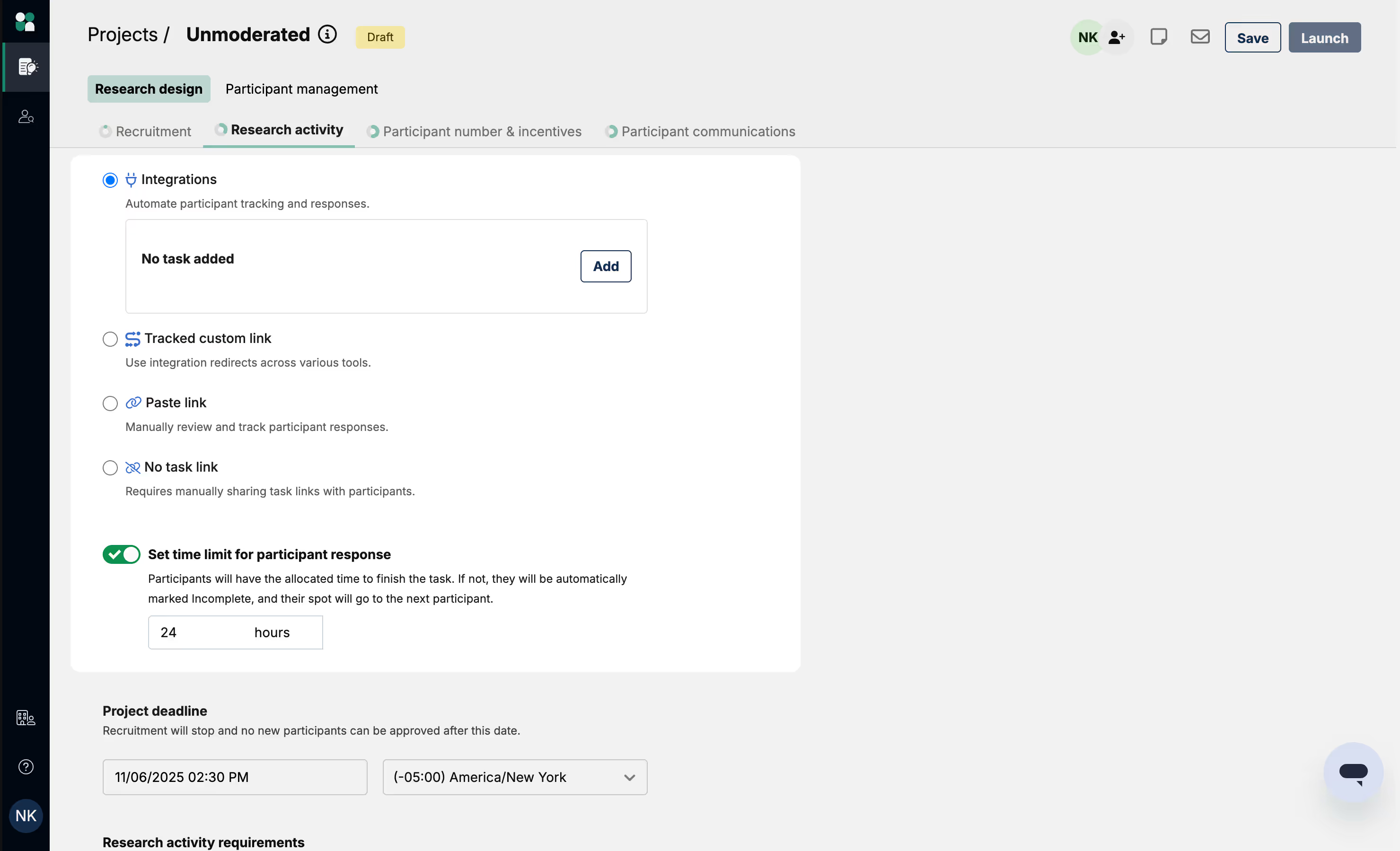
To set the time limit, select either Integration or Tracked custom link as your task platform. Toggle on the “Set time limit for participant response” option and choose your desired time limit. By default, we set the time limit to be 24 hours.
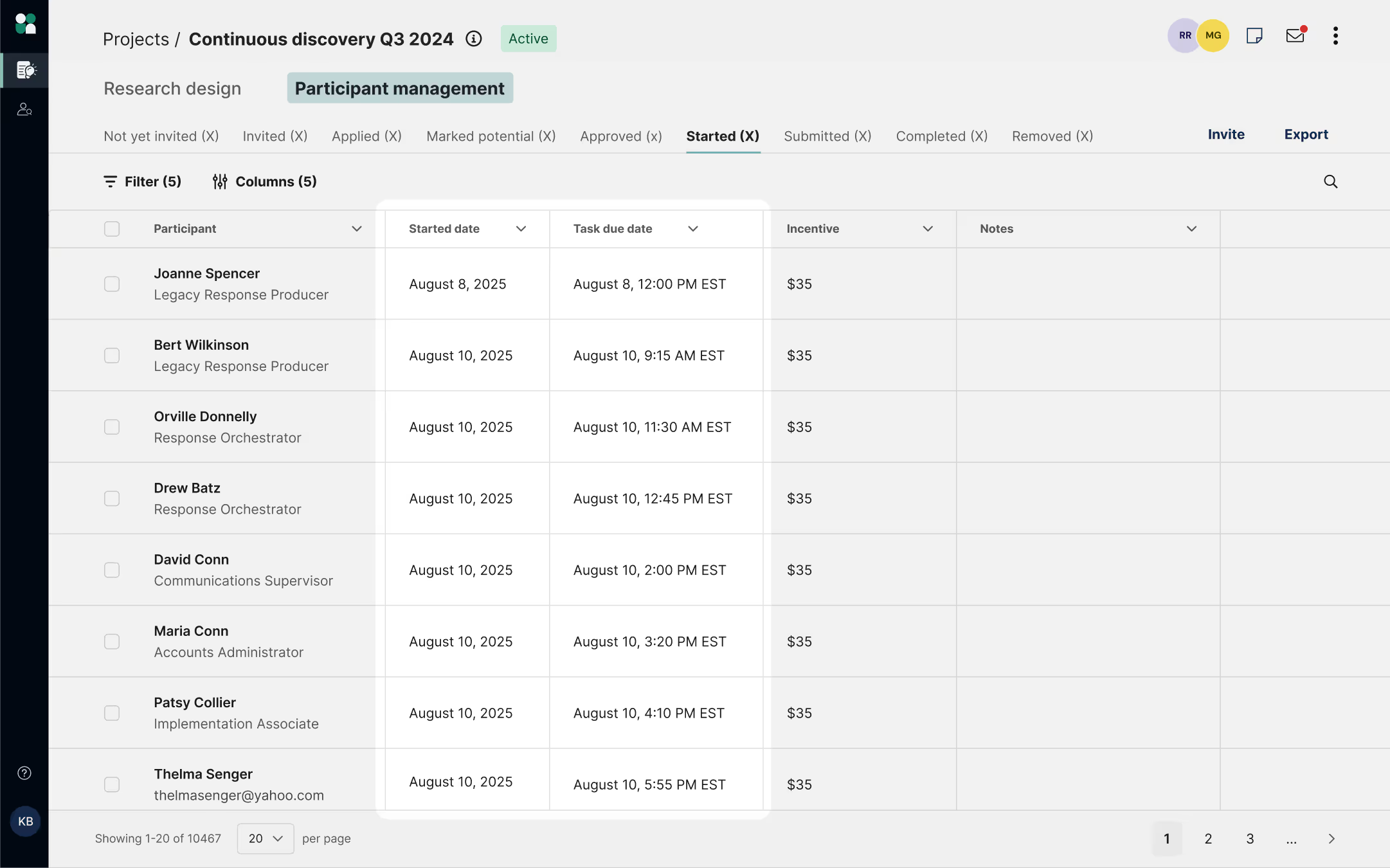
Now, you’ll be able to track participants who have started the task and see how much time they have remaining to complete it. Participants enter Started status when they click a task link, or are redirected to the task automatically.
- Once a participant starts, they have until the time window expires or the project deadline (whichever is sooner) to submit the task. Once they’ve completed the task, they’ll enter Submitted status. You can then mark the participant Completed.
- A participant is marked Incomplete if they started the task and did not finish before the task window expired, or they finished the task after the project deadline.
Participant experience
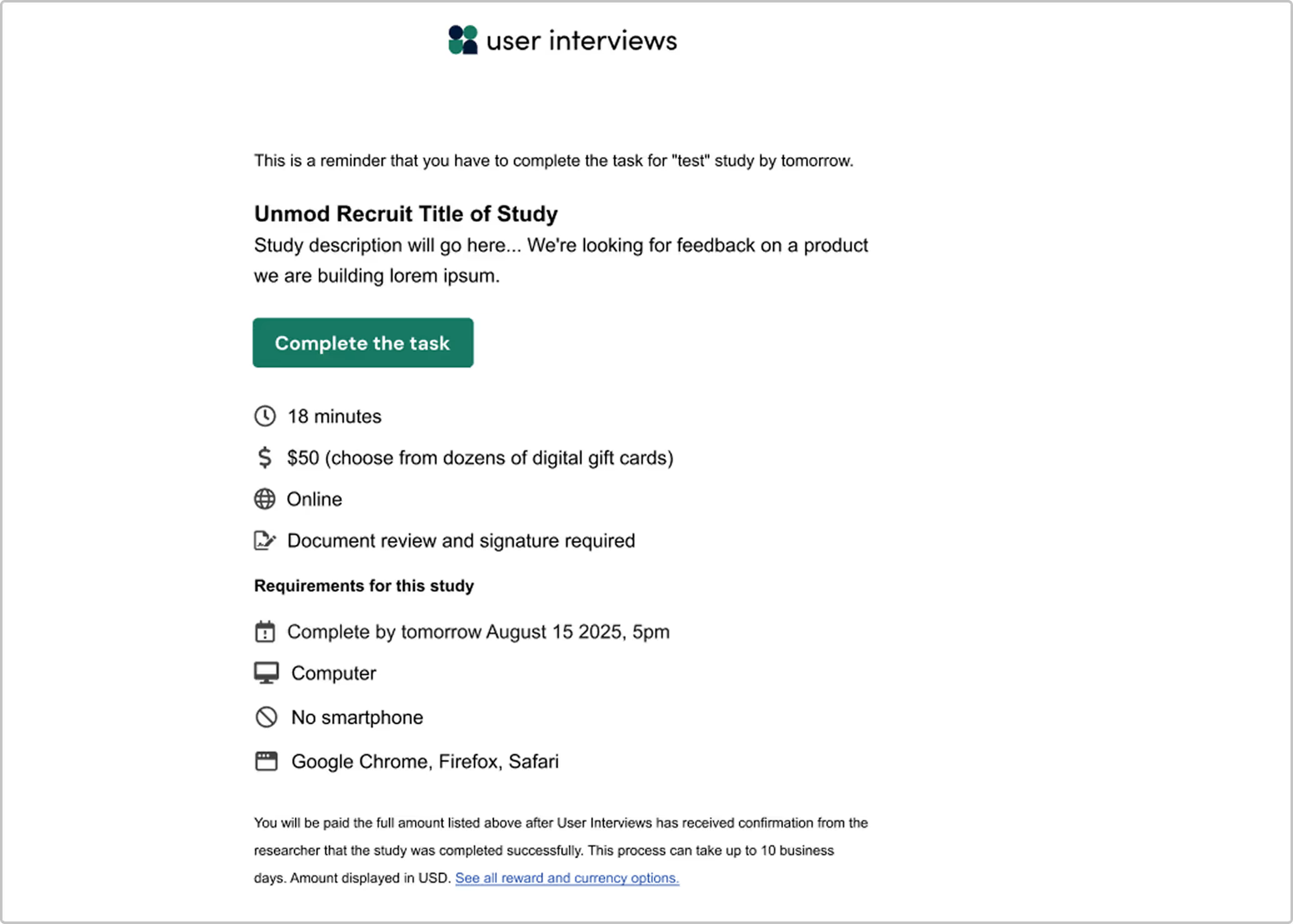
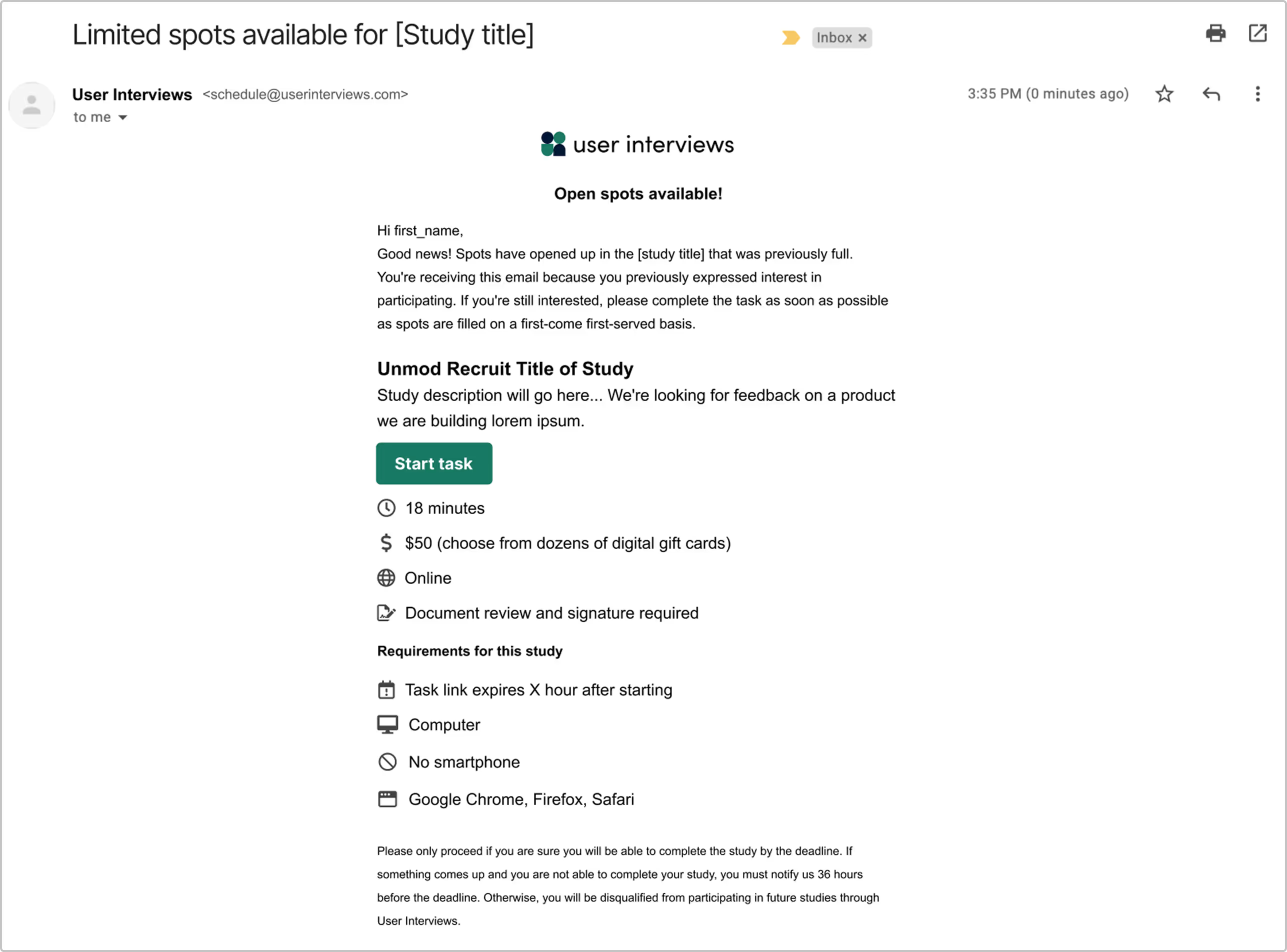
Participants will be notified of how long they have to complete tasks as part of the application and approval process. They will also receive email reminders to complete the task before the deadline.
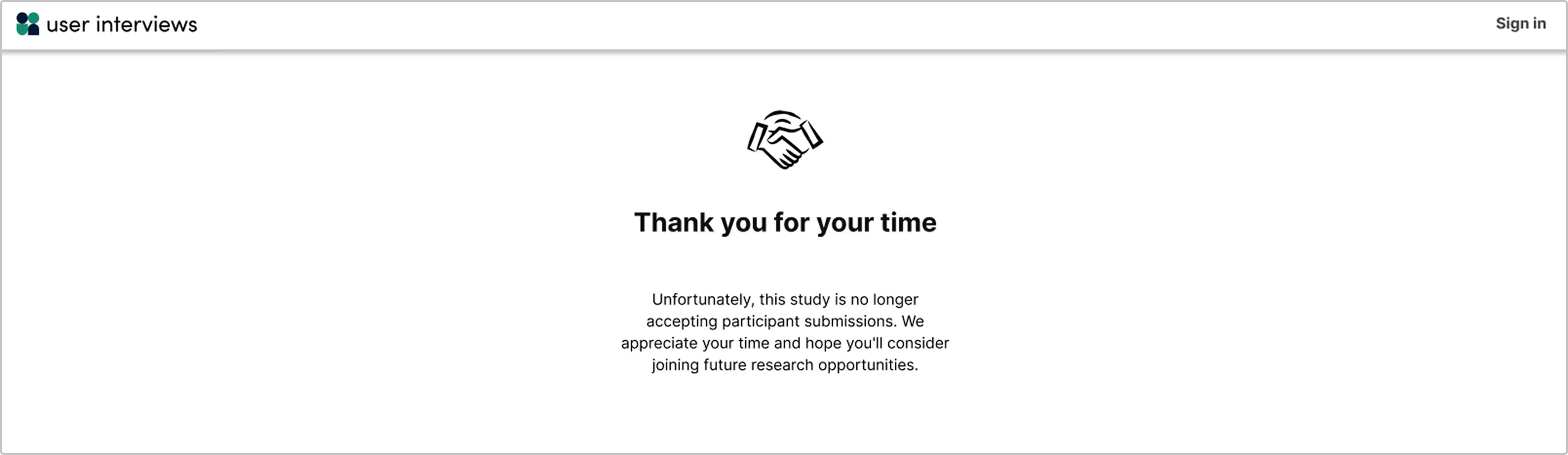
Once a time window expires, the participant will no longer be able to access the task. Their spot will be released to a new participant.
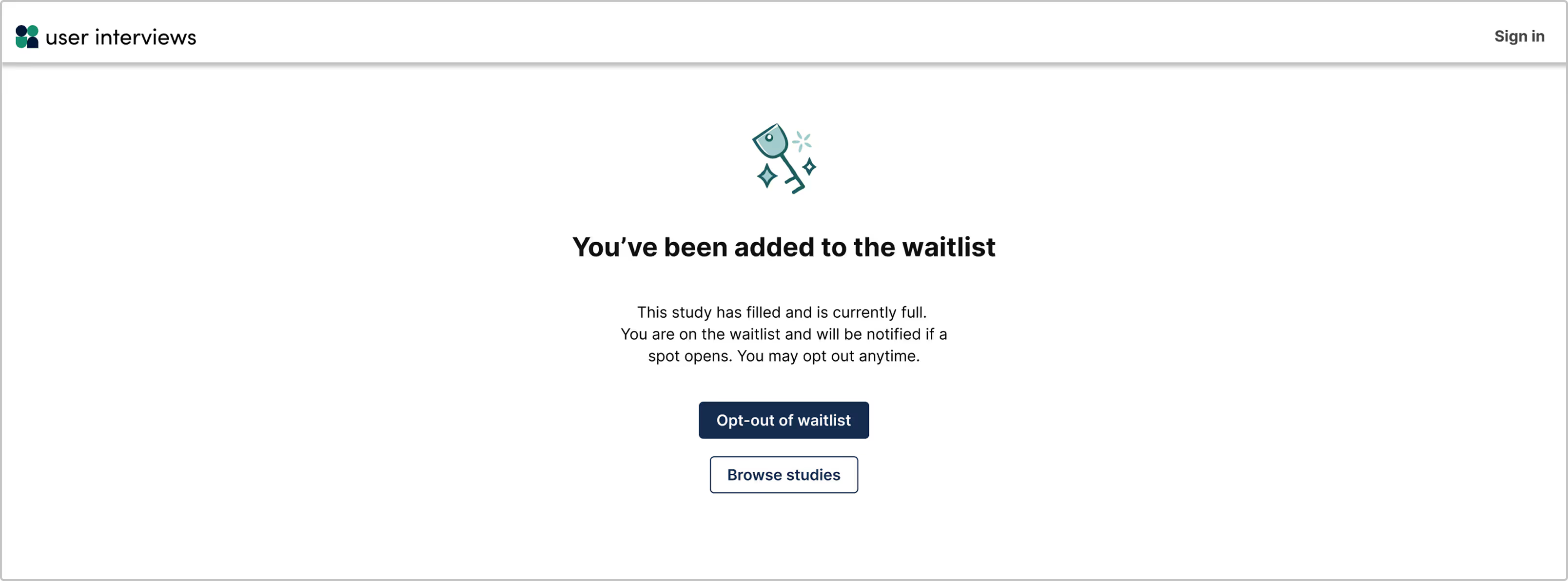
Participants on the waitlist who have been approved will be notified when spots open. They have the option to opt-out of the waitlist at any time if they would like.
FAQ
What happens if I edit the response time limit? Will it apply to existing participants, or only new ones?
The updated time limit will only apply to new participants. Existing participants will keep the previous completion window.
Can I reset or extend individual participant deadlines if needed?
Currently you cannot adjust deadlines for individual participants.
What happens if a participant submits their task after the time limit expires?
Once time expires, participants will no longer be able to access the task. However, if they already had the task open in a browser (and the testing tool doesn’t end the session), they will be able to submit the task in the testing tool—but be marked incomplete in User Interviews.