
Watch our Product Talk Webinars for a quarterly preview of new features
We’ve launched a new way to capture and revisit your moderated research sessions—automated video recordings and searchable transcripts, now available to all User Interviews customers.
.avif)
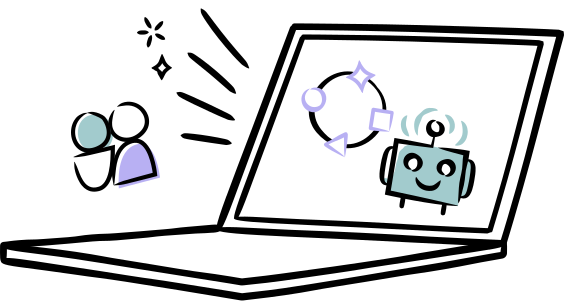
With just a click, you can enable a recorder bot to join your Zoom, Google Meet, or Microsoft Teams calls. When the session wraps, your video and transcript are ready—right inside your project workspace.
Just toggle recording on for your next moderated session and we’ll take care of the rest. You’ll get:
Teams will benefit from all research participant and session data housed in one place – call recordings, interview transcripts, screener responses, and participant characteristics. That means faster, easier post-session analysis and insights-sharing.
These features are designed to help you connect the dots across participants and sessions, collaborate with your team, and bring stakeholder-ready insights to life, fast. And it’s just the beginning: more powerful insights tools are coming soon.
💡 Make sure AI features are enabled: To use this feature, your team admin will need to turn on AI features from the advanced options page. Once enabled, recording and transcription will be available to all team members.
📚 Learn how to get started: Read the Recording & Transcription support guide →





Join over 100,000 subscribers and get the latest articles, reports, podcasts, and special features delivered to your inbox, every week.

Schedule your demo and see us in action today.